



RobyCasino App
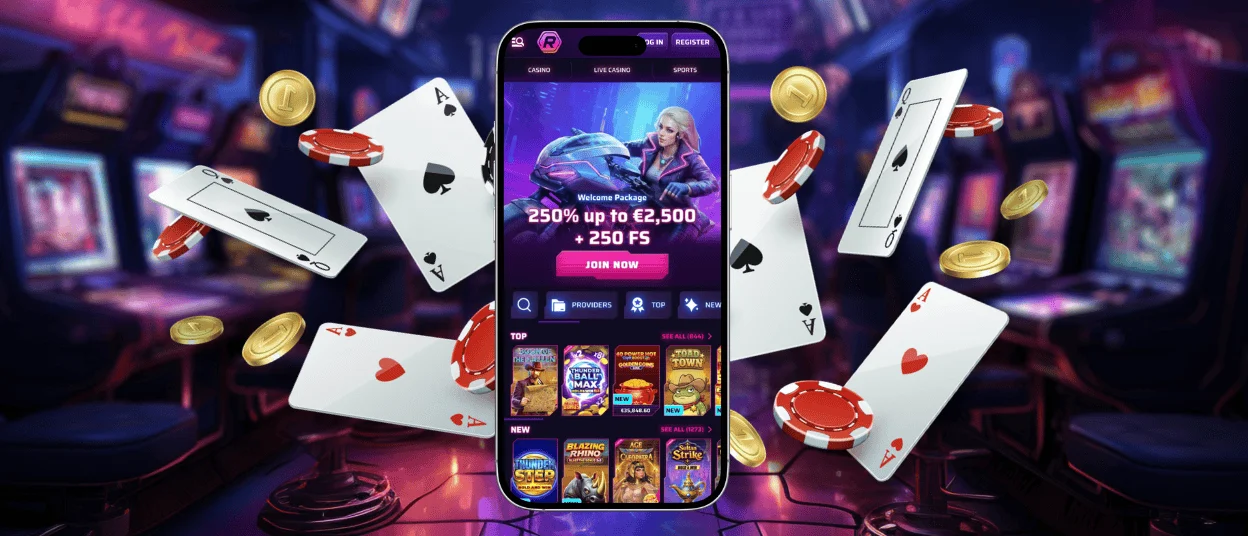
Mobile casino play is a great option to profit from the casino’s features on the go. With the RobyCasino app, you can play anywhere as long as you’re connected to the internet. Our software is available on iOS and Android devices but can also be installed on desktops. The installation procedure is quick and secure; it happens directly via your browser.



Roby Casino on Mobile
As soon as you get the RobyCasino application, you will be pleasantly surprised. Numerous features are available, and you can basically profit from all our casino’s options by using your mobile gadget.
The whole library of games is accessible via your device with the Roby Casino app. It is possible to enjoy online slots, tables and many other titles you are used to playing on desktop. You can also take advantage of other entertainment options like tournaments and activities if you want to diversify your mobile journey.
Our software is a PWA (Progressive Web App), which means that you can install it as a shortcut using your favorite browser. The interface has been adapted to all screen sizes to make sure the RobyCasino gaming experience is convenient. The application can send you regular notifications about ongoing events, bonuses and updates automatically in the background. There’s no need to do anything manually.
Installation Process
It won’t take you more than a few minutes to install the application. Since it is a PWA, it downloads as a shortcut via your browser. Our software works like a native application; after installation, you will simply need to tap on the Roby Casino app icon and log into your account to start playing.
Here’s the process:
- Fire up Chrome, Safari, or whatever browser you like to use. Ensure that you are connected to a stable internet connection to have a smooth experience.
- Type in the official URL of RobyCasino and enter the platform.
- Tap the browser’s menu icon. Usually three dots or strokes. Find an option that says “Add to Home Screen.”
- Click the button to confirm your selection. Your device will identify the PWA and then prepare it for installation.
- In just a few seconds, the RobyCasino app icon will appear on your home screen.
After these short steps, the RobyCasino app icon will appear on your home screen. It doesn’t matter what device you are using; the installation procedure is the same on all operating systems.
Mobile Application for Android
With our Progressive Web App for Android, you can experience our casino wherever you are. There are no downloads and no delays. Our software was created for speed and smooth gameplay.
The RobyCasino app is optimized for every screen size. It doesn’t matter if you’re playing on your tablet or smartphone. You should only have enough storage space and the latest update of Android.
Our PWA protects your data with advanced encryption. Simultaneously, it delivers lightning-fast transactions and updates in real time.
Mobile Application for iOS
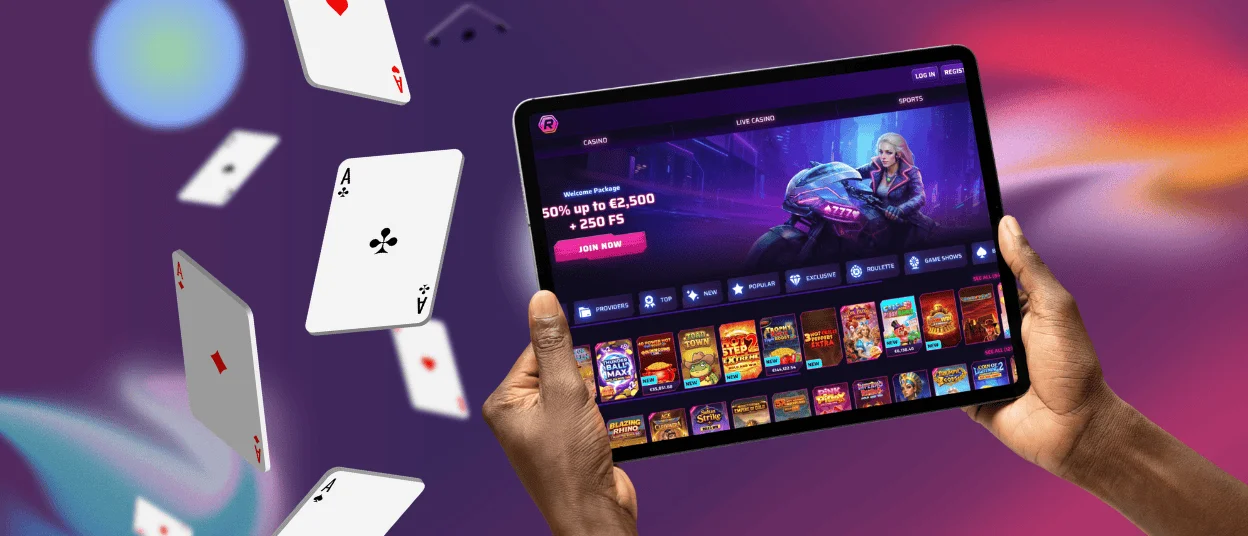
The mobile application for iOS has been perfectly designed to fit the Apple system. You can install it on your iPhone or iPad, and it will offer you a seamless Roby Casino app experience. The animations are smooth and the gestures intuitive. The touch controls have been perfectly adapted to this operating system.
There is no need to look for the app in the App Store, as the installation happens through Safari or any other browser. All the RobyCasino updates are automatic and happen in the background while you are playing. Make sure your device has the latest iOS release and enough storage space.
Desktop Access on Windows and macOS
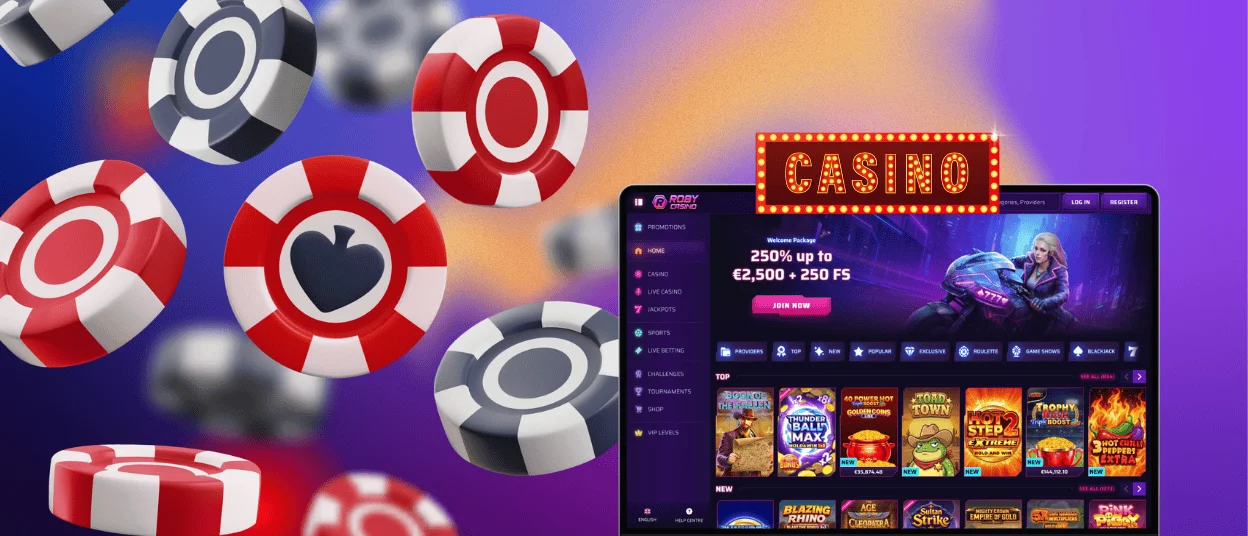
Our application is available not only on mobile devices but also on desktop computers. This is the perfect solution for having access to our casino using optimized software.
You can enjoy the full RobyCasino app experience on a larger screen. It features beautiful graphics and immersive sound as well as enhanced controls that allow you to easily navigate through the interface and profit from the games.
It doesn’t matter if you’re on Windows or macOS; the RobyCasino desktop application is adapted for high performance without lag or glitches.
Cross-device Synchronization
Our application offers cross-device synchronization. It means that you can use the same Roby Casino account to play on different devices. It is possible to start a gaming session on your Android smartphone and continue playing on your iPad later. Nothing will be missed; your data stays synchronized.
| Device | Operating System | Access Method | Special Features |
| Smartphone / Tablet | Android | Browser | Add to the home screen, push notifications, and offline mode |
| Smartphone / Tablet | iOS | Browser | Widget support, Apple Pay deposits, Siri shortcuts |
| Computer | Windows | Browser | Resizable windows, multi-tab gaming, faster load times |
| Computer | macOS | Browser | Touch bar support, gesture controls, AirPlay compatible |
FAQ
Do I Need to Update the RobyCasino Application Manually?
No, there’s no need to do that. Our software updates automatically in the background while you are playing.
Is the RobyCasino Software Available in the App Store?
The RobyCasino application is a PWA, which means that it installs as a shortcut on your home screen. The installation happens through your browser, so there’s no need to look for it in the App Store.
Can I Play Slots Using the Application?
Sure, using the RobyCasino software, you can access all of our games. Online slots and tables, as well as the live casino area and crash titles, are all available via the app.
Is There Customer Support in the App?
Yes, you can easily reach out to the support team for help using our application. The Roby Casino team is available via live chat and email and offers multilingual support. They can help you out with anything, including the verification process.


